





Lifeboat marking configurator
ADD AS MANY AS NEEDED1. Add markingsAdd each text, ID or pictogram required.
2. Upload referenceUpload a photo, drawing or existing layout if available.
3. Submit RFQReview the request and send it to MariTeam.
Lifeboats can require several different texts and pictograms. Add each required marking below with its own size, colour and quantity, then submit one complete RFQ.
No files selected.
Use this to show placement, existing markings, vessel arrangement or pictograms that must be reproduced.Application guide
INCLUDED WITH EVERY ORDERBased on MariTeam’s own application instructions for large boat stickers, every order includes a simple step by step guide to help ensure clean installation and long term adhesion.
- Prepare the surface – Ensure the area is smooth, clean, dry and free of salt, wax or grease. Clean with mild soap and water or isopropyl alcohol.
- Position carefully – Apply in dry conditions at 15–25°C. Mark the position if needed, fix one edge first, then align before full application.
- Apply with steady pressure – Remove the backing gradually while smoothing from the centre outwards to avoid air bubbles. Do not stretch the sticker.
- Finish and maintain – Press firmly across the full surface. Clean only with mild, non abrasive products and avoid direct high pressure washing on the edges.
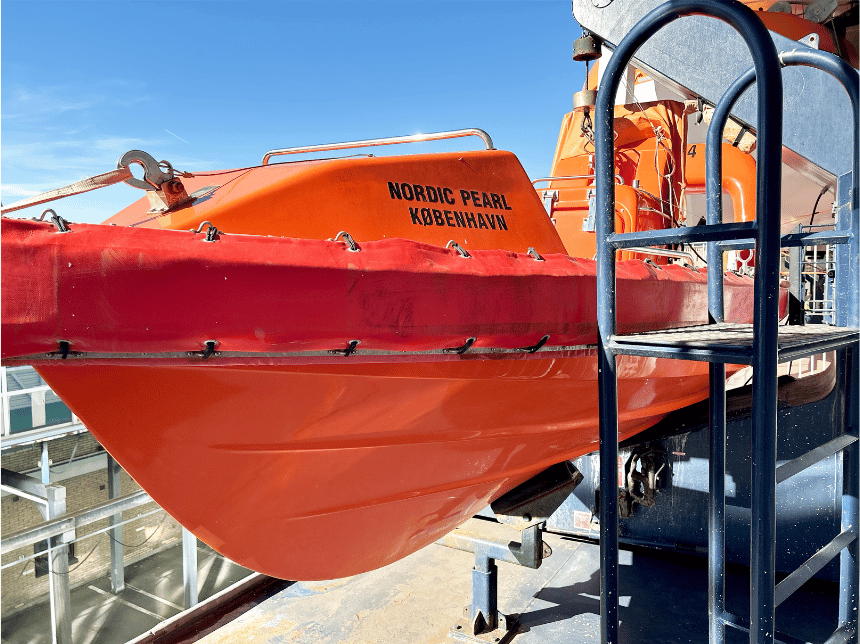
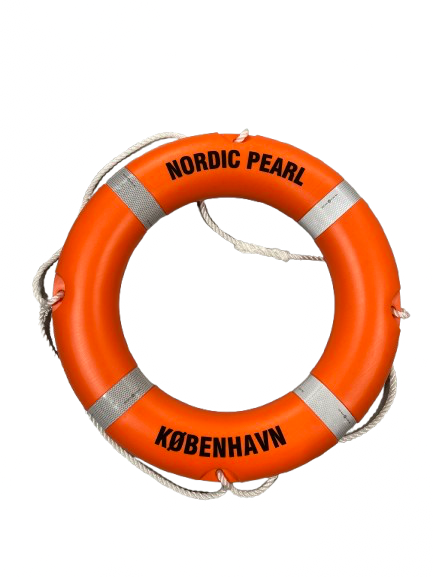
Example of applied lifeboat marking.
Included in the package: A printed application guide. A felt edged squeegee can also be included where relevant.